
The Travel Photographer's Complete Tech Stack: Every Tool I Use to Capture and Edit on the Road
Back to CategoryThe Travel Photographer's Complete Tech Stack: Every Tool I Use to Capture and Edit on the Road
Great Travel Photography Requires Good Tools and a System for Using Them
Travel photography is not just about the camera. It is about the entire workflow — from capturing the image in the field to editing it on the road to delivering it to clients or posting it to an audience. I am a commercial travel photographer and I have refined this workflow over ten years and forty countries. Every tool in this stack has earned its place by being genuinely irreplaceable in practice.
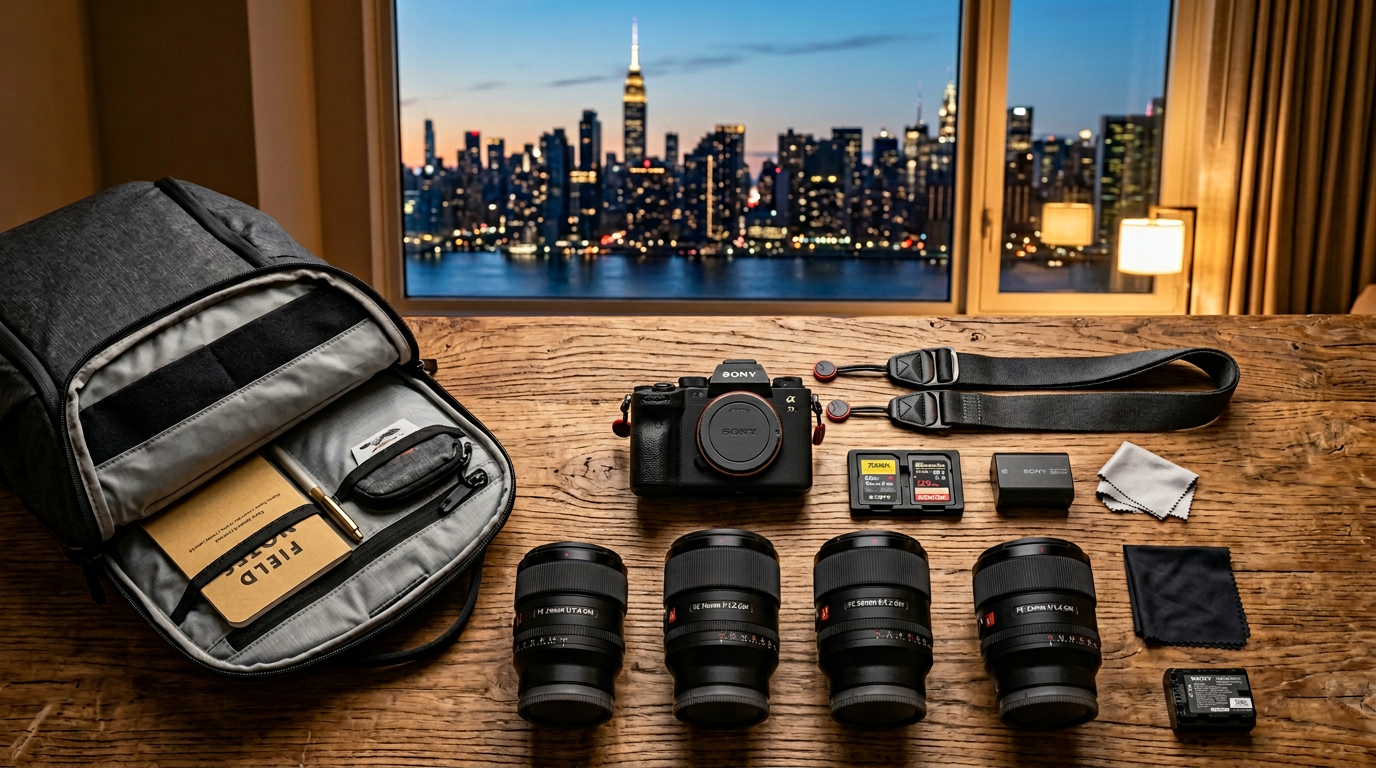
The Capture Stack
- Camera body: Sony A7IV (primary), Sony ZV-E10 (compact backup for street photography). Mirrorless systems have made DSLR rigs obsolete for most travel photography.
- PhotoPills app: The most powerful sun and moon positioning tool available. Calculates exact golden hour timing, moon phase and positioning, Milky Way visibility windows, and eclipse predictions for any location on earth. Essential for planned landscape and astro work.
- Foto Maps: GPS tagging for photos. Tags location data to images for cataloguing and for finding photo locations again later.
- Magic Hour app: Simplified golden hour/blue hour calculator. Faster to use than PhotoPills for simple sun timing needs.
The Edit Stack
- Adobe Lightroom Classic (laptop): The industry standard for travel photo organization and editing. Non-negotiable for professional output.
- Adobe Lightroom Mobile (phone): For quick edits and social-ready exports when the laptop is not accessible. Syncs with the desktop catalog via Creative Cloud.
- Lightroom presets: My editing workflow is built around a set of custom presets developed over years for specific conditions — overcast Africa, golden hour Southeast Asia, blue hour European cities. Preset packs from reputable travel photographers (Peter McKinnon, VSCO Film collections) are worth investing in as a starting point.
- Snapseed: Free, capable mobile editing app for quick specific adjustments. The healing brush and perspective correction tools are particularly useful.
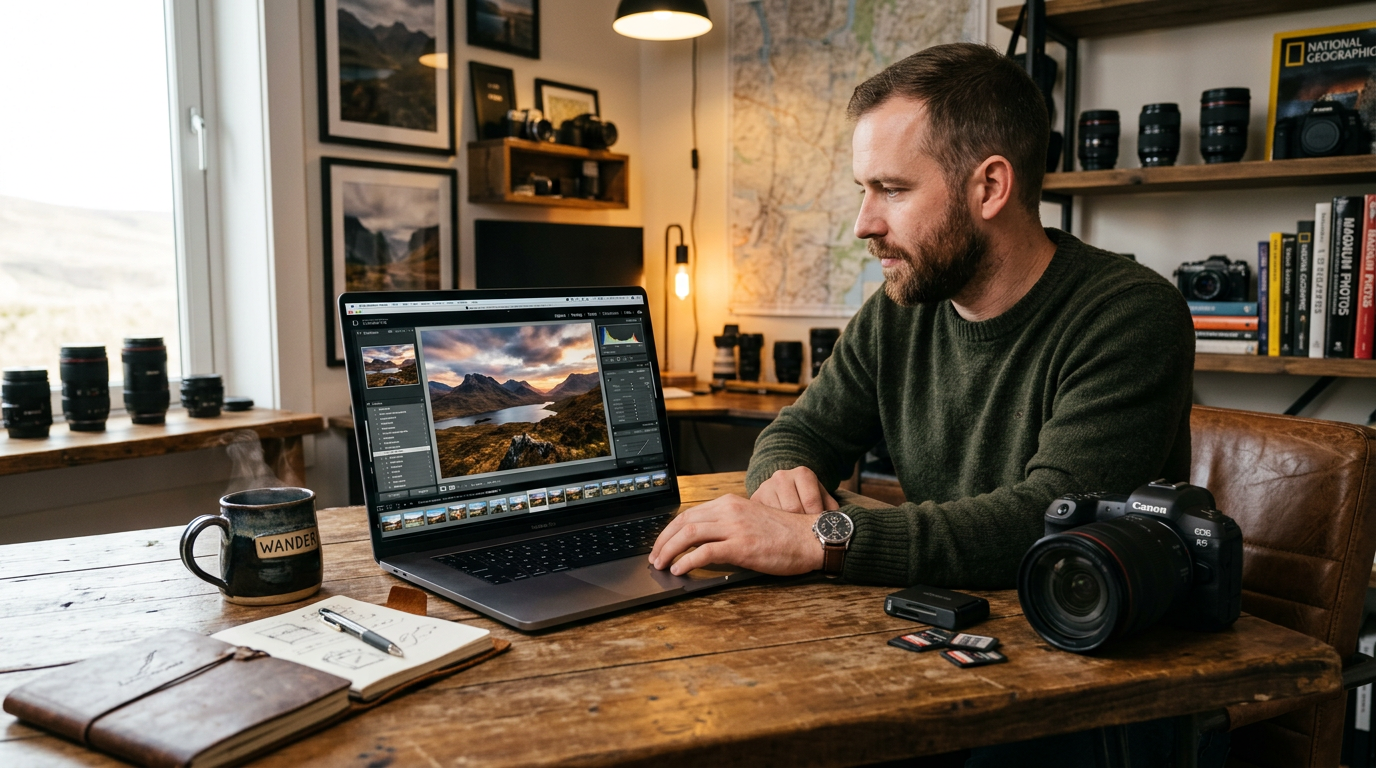
The Backup and Storage System
Losing images on a trip is a professional and personal catastrophe. The system that prevents it:
- Shoot to two memory cards simultaneously (Sony A7IV has dual card slots)
- Copy cards to laptop every evening, then immediately copy laptop folder to a portable SSD hard drive
- Upload selects to cloud backup (Backblaze or iCloud) whenever on wifi
- Travel with cards, laptop, and hard drive stored in separate bags — never all in the same location
The Social and Publishing Stack
- Later: Social media scheduling tool. Queue posts in advance so your social presence does not depend on daily active management while in the field.
- VSCO: Film-inspired presets and a curated social community. The VSCO aesthetic is distinct from Instagram and attracts a photography-focused audience.
- Canva: For quick graphic creation — blog headers, Instagram stories with text, travel itinerary graphics. The mobile app is particularly useful on the road.
Replies & Discussion
Sign in as a member to reply to this post